How to Login and Reset Your Password
How to Login and Also Reset Your Password
Learn the step-by-step process for recovering access to your account by resetting your password via email. This guide ensures you can successfully update your credentials and securely sign back into your profile.
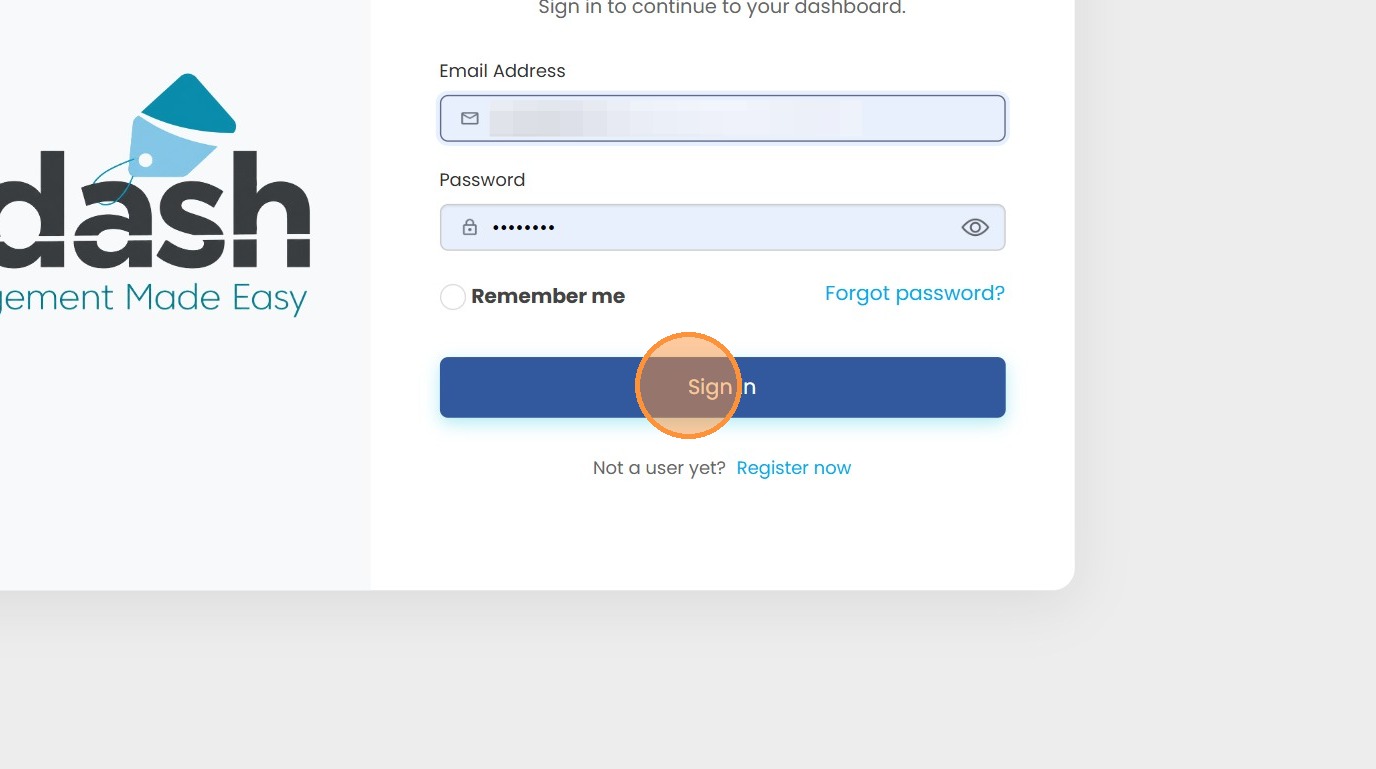
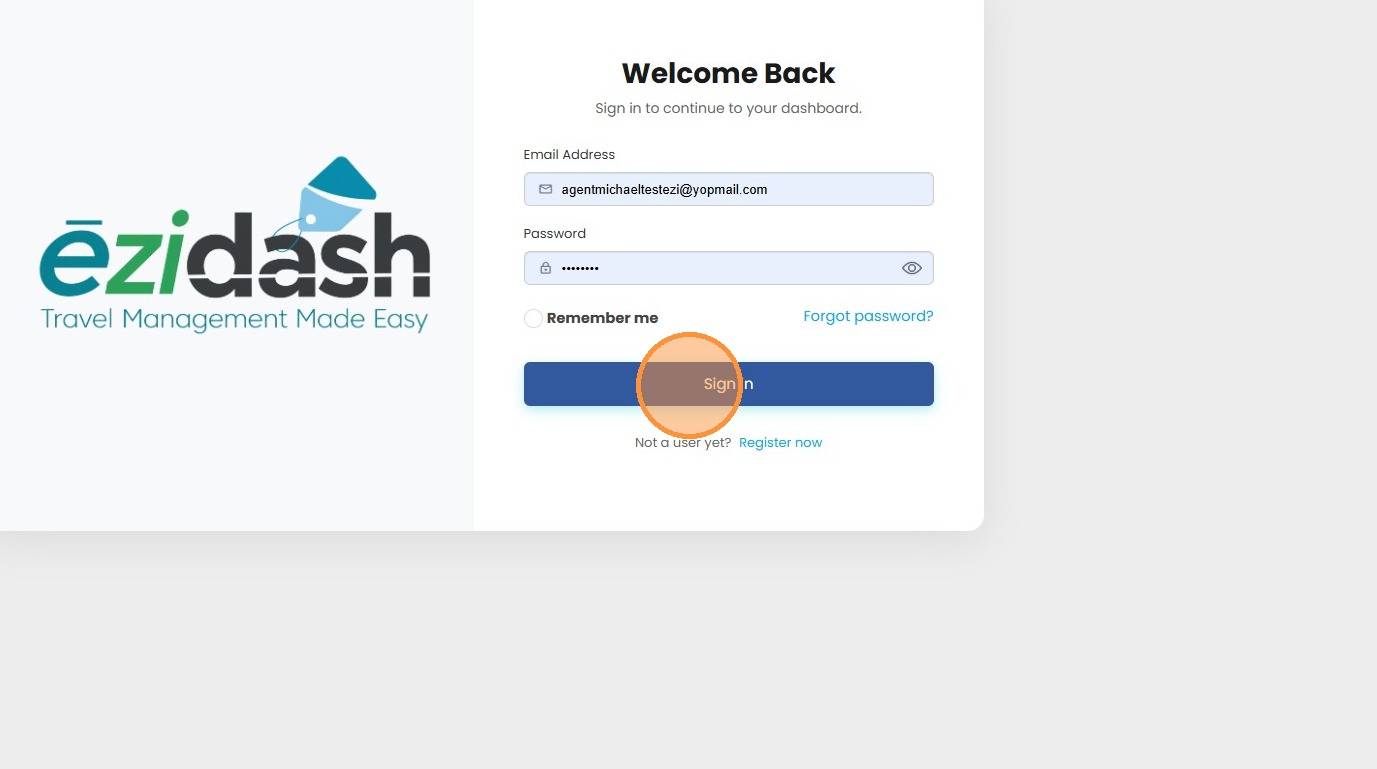
1. It is easy to sign in with Ēzidash. Simply go to app.ezidash.com or www.ezidash.com and click the the login button on the top right of the screen. It'll take you to the login page where you'll enter in your email address, your password, and the option to remember me. Then click sign in.
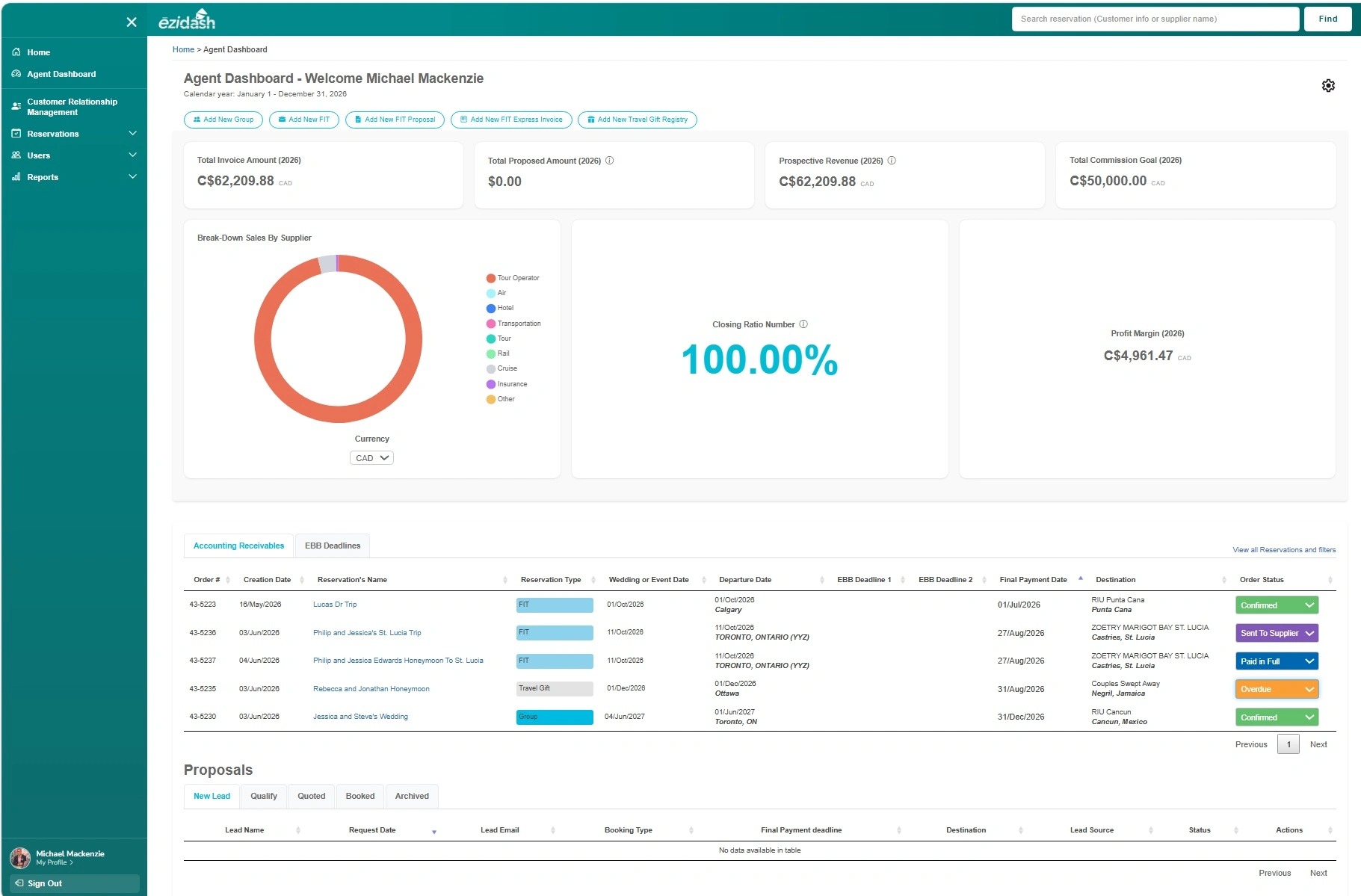
2. This will redirect you to your agent dashboard where you have access to all of your dashboard tools, your CRM, reservations, users, and reports.
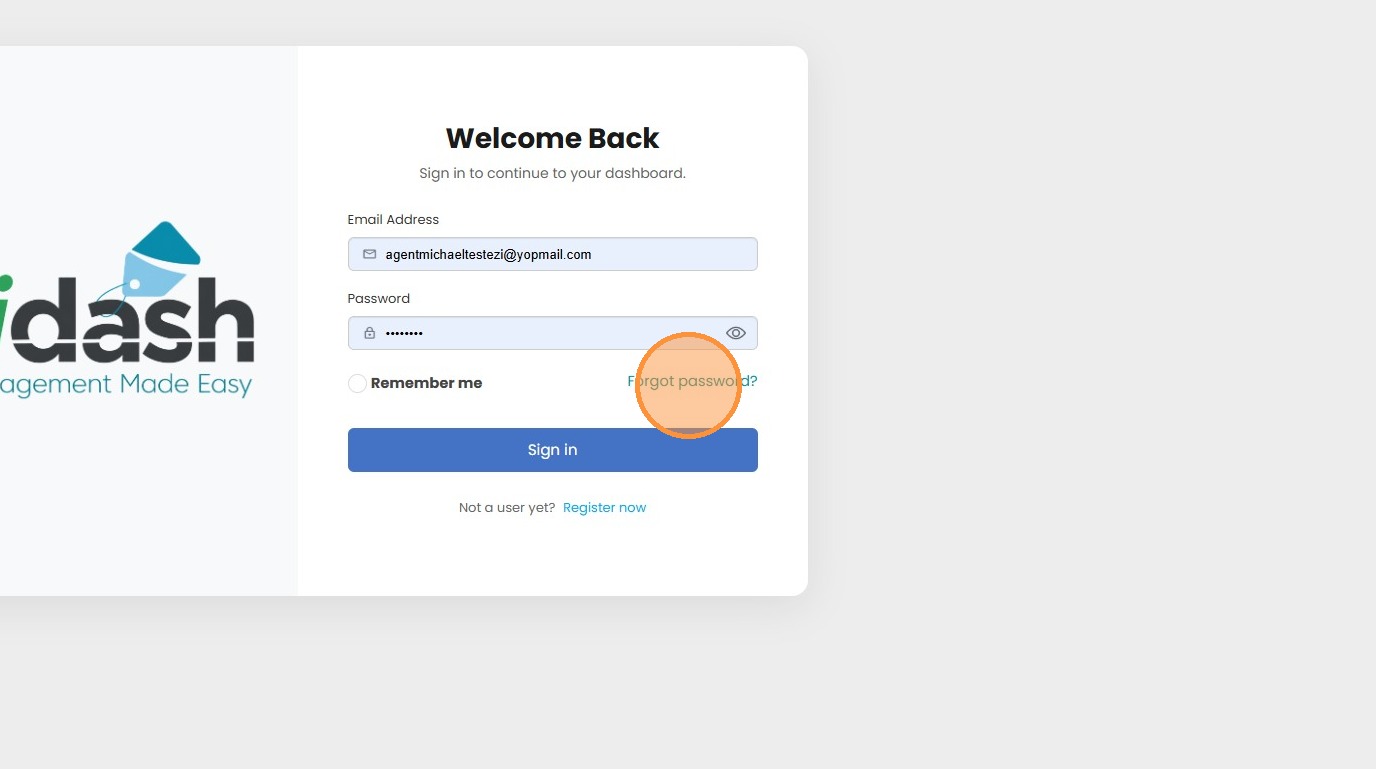
3. Now, let's show you the steps to reset your password. Go to the same URL - app.ezidash.com and Click on the "Forgot Password" button.
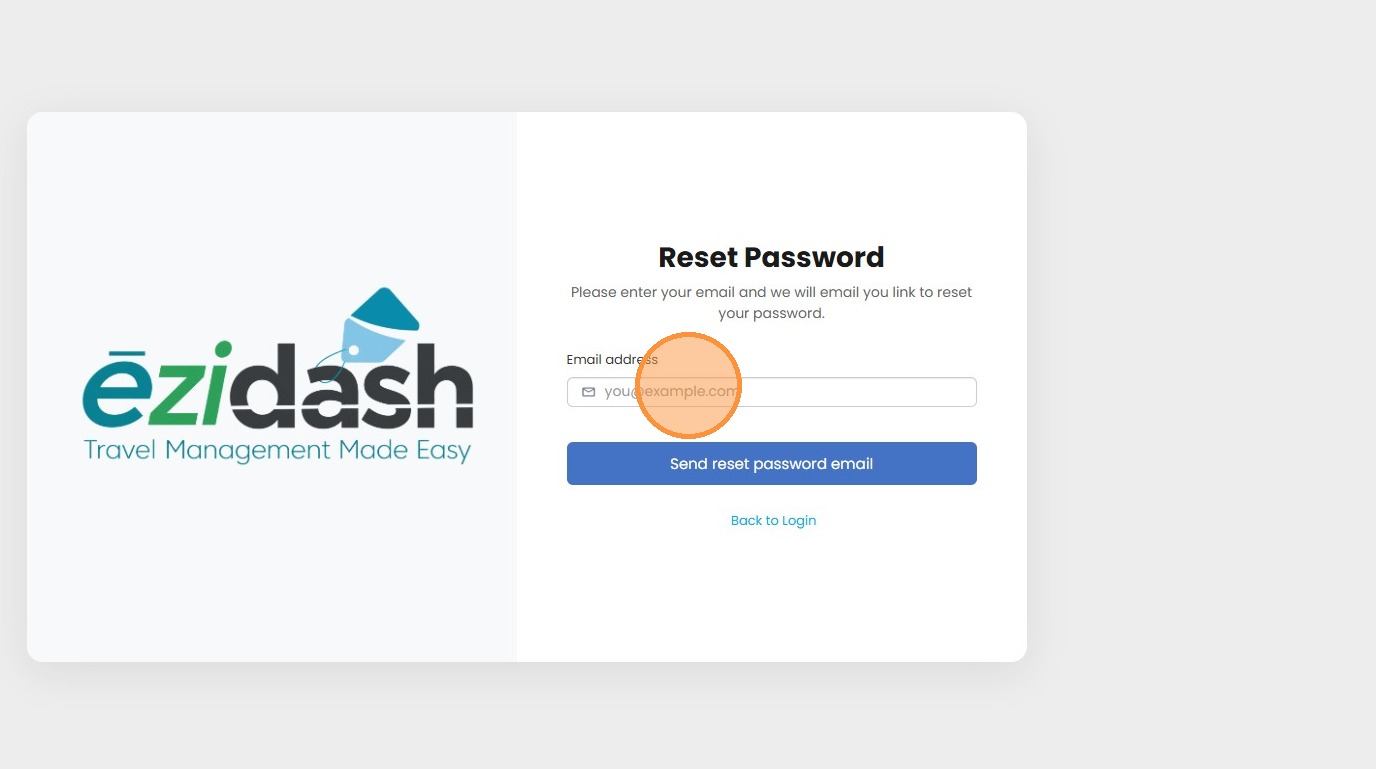
4. Then enter your email address and click "send reset password email".
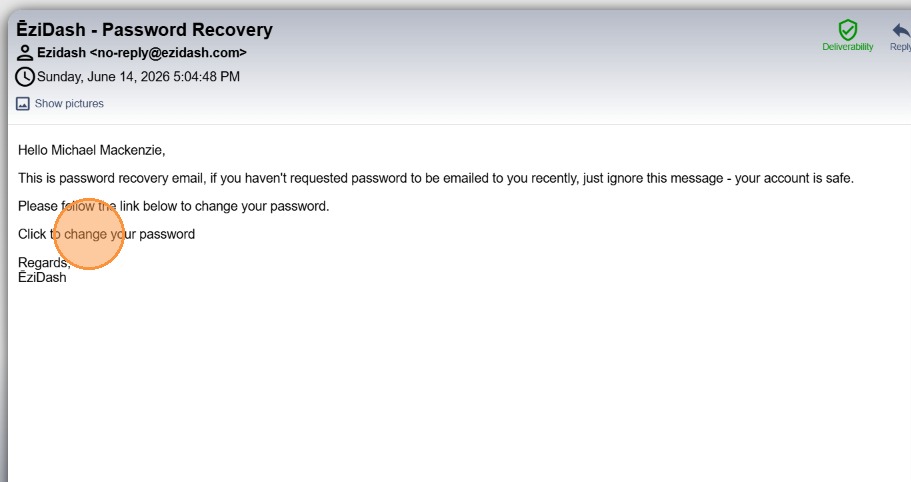
5. Check your email inbox and even your spam folder just in case. The Password Recovery email will be sent from no-reply@ezidash.com. Open this email and click "Click to change your password".
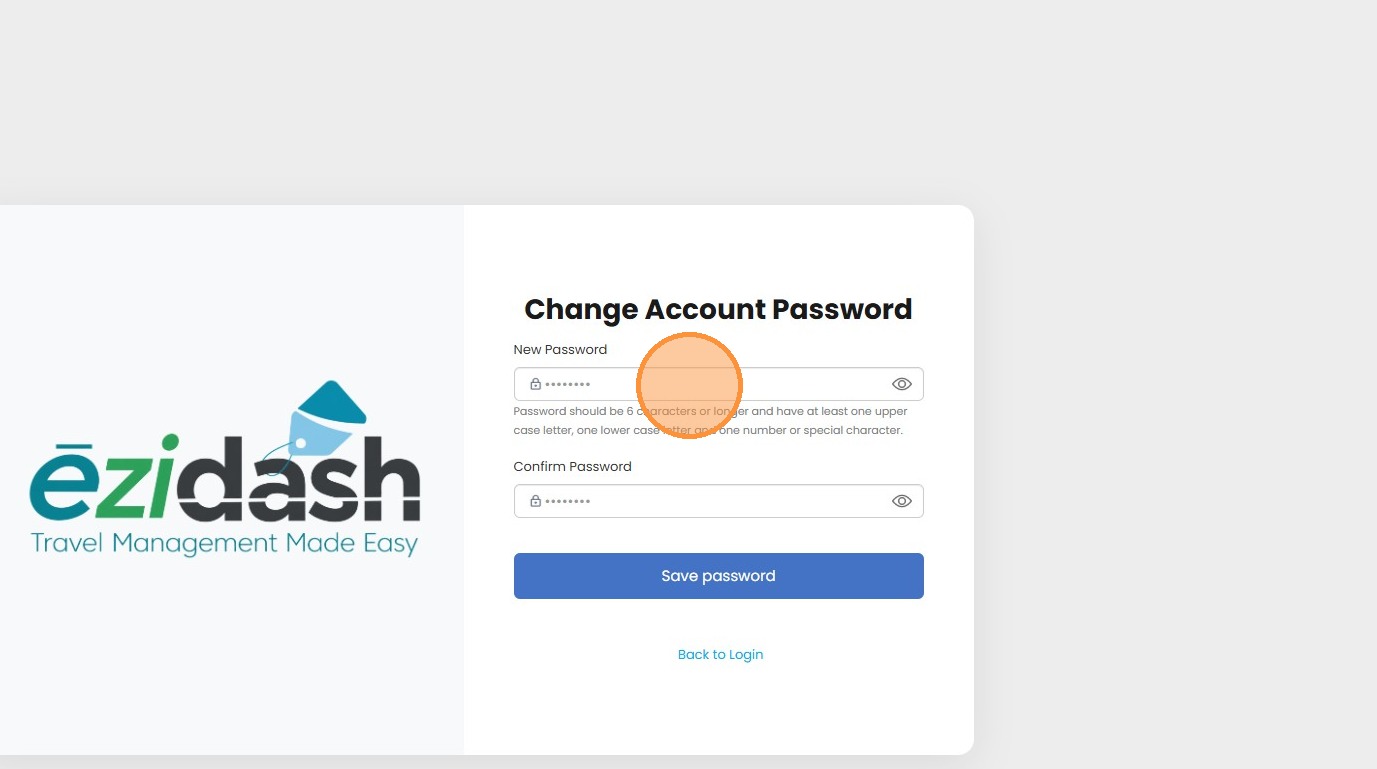
6. This will open a "Change Account Password" page. Enter in a new password. Please remember to save this somewhere safe for future reference.
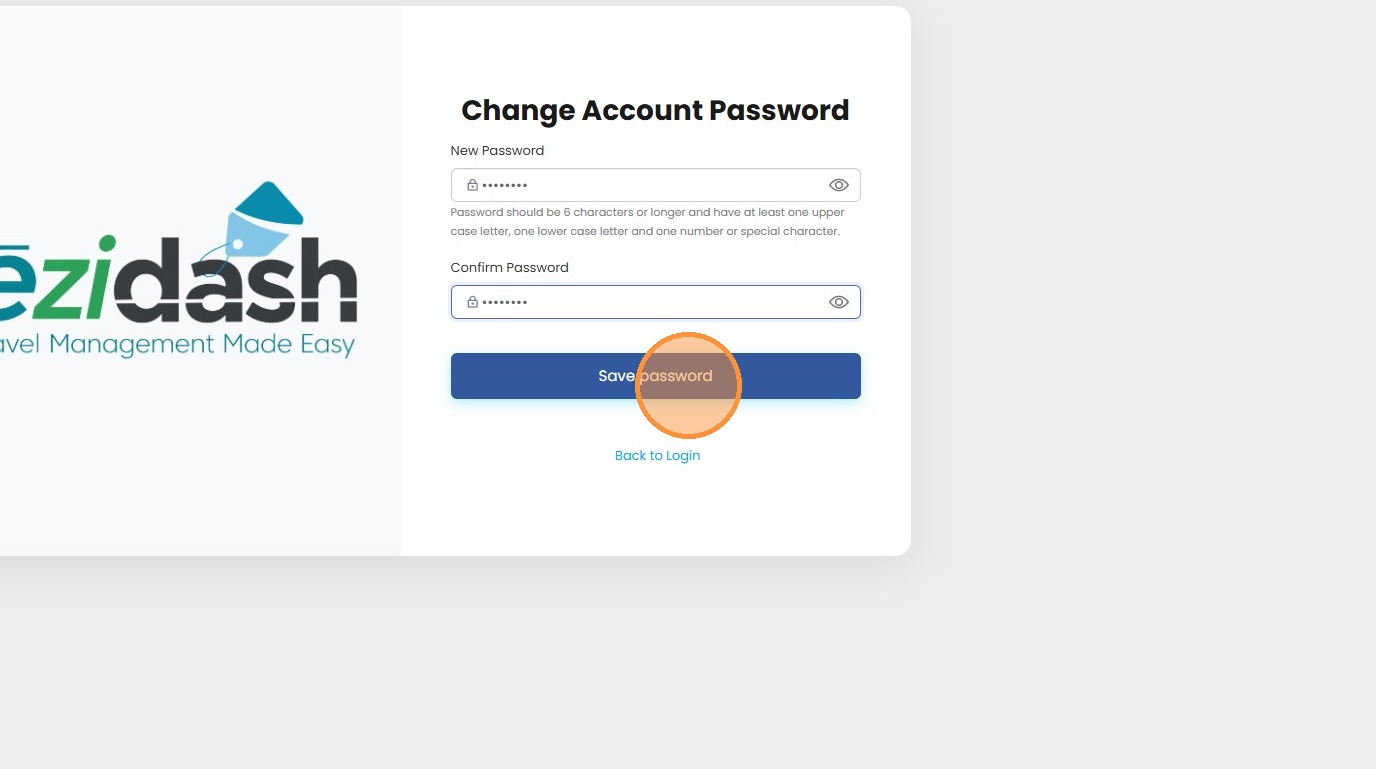
7. Then click the "Save password" button.
8. You will now be able to sign in with your new password. Easy!
9. If you do not have an account simply select the "Register Now" link at the button of the login prompt. You can view our new lesson on How to Register. Enjoy Ēzidash!